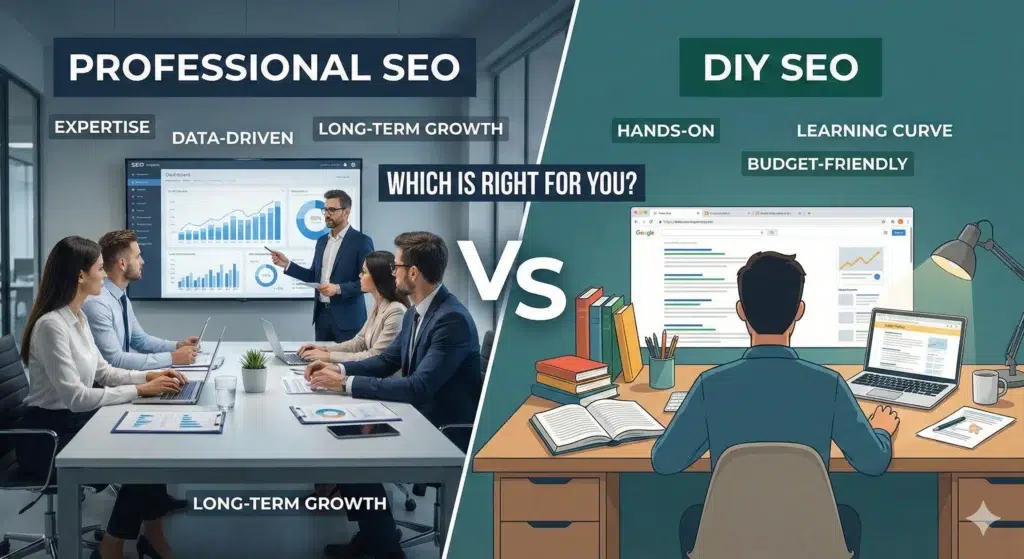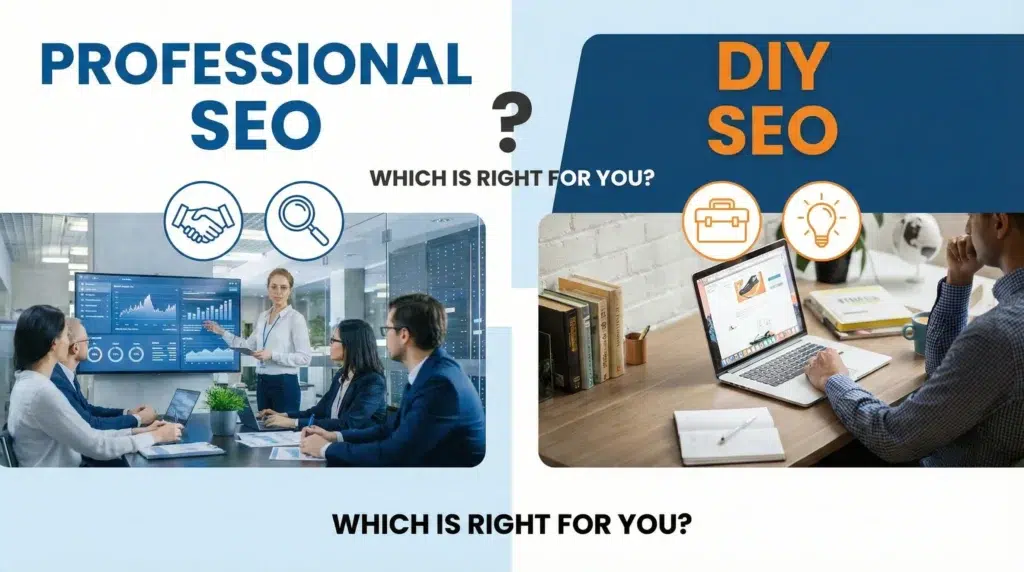
Professional vs DIY SEO: Which is Right for You
I’ll be honest with you—I’ve been in the SEO world long enough to see both sides of this debate play out hundreds of times. And here’s what I’ve learned: there’s no one-size-fits-all answer. But there is a right answer for your specific situation. Let me walk you through everything you need to know to make this decision with confidence. Key Takeaways Before we get into the weeds, here’s what you need to remember: Now, let’s break this down properly. What Should You Consider Before Doing DIY SEO? Before you roll up your sleeves and start optimizing pages yourself, take a step back. I’ve seen too many business owners jump into DIY SEO without asking themselves these critical questions first. 1. Budget Constraints Let’s start with the obvious one—money. If you’re bootstrapping a startup or running a small business where every dollar counts, DIY SEO might seem like the clear winner. And you know what? Sometimes it is. But here’s the catch: “free” isn’t really free. Your time has value. While you’re spending 20 hours a week learning about meta descriptions and backlinks, what’s not getting done in your business? That’s the real cost. 2. Company Size Are you a solopreneur with a simple five-page website? DIY could work beautifully. Running a mid-sized e-commerce site with 500+ product pages? That’s a different story entirely. The complexity scales fast. What starts as “I’ll just optimize a few pages” quickly becomes technical audits, schema markup, and competitive analysis. Size matters here—a lot. Read More: The Ultimate Google Business Profile Optimization Checklist 3. Other Marketing Channels Are Profitable Here’s something most people miss: if you’re already crushing it with paid ads, email marketing, or social media, maybe SEO doesn’t need to be your immediate focus. Or maybe it does, but you shouldn’t be the one doing it. If other channels are bringing in revenue, that’s your sign that your time is better spent there—at least while someone with experience handles your SEO foundation. Benefits of DIY SEO Alright, let’s talk about why DIY SEO can actually be a smart move for some businesses. 1. You Have Control Over Your SEO Campaigns This is huge for people who like to be hands-on. You make every decision. You write every piece of content. You choose every keyword. There’s no back-and-forth with an agency, no waiting for approvals, no miscommunication about your brand voice. When you’re in the driver’s seat, you can pivot immediately when something isn’t working. That kind of agility? It’s valuable. 2. It’s an Opportunity to Learn SEO I genuinely believe every business owner should understand SEO basics. Not because you need to do it yourself forever, but because it helps you make better decisions down the road. When you learn SEO yourself, you’ll never be at the mercy of an agency that might try to snow you with jargon. You’ll know what good work looks like. You’ll ask better questions. You’ll spot red flags before they become disasters. 3. Cost-Savings Yes, I said earlier that “free” isn’t really free. But let’s be real—for some businesses, cash flow is tight enough that “free except for my time” is the only option on the table. If you’re in that position, DIY SEO gives you a way to start building your online presence without writing checks you can’t afford. It’s not ideal, but it’s better than doing nothing. Cons of DIY SEO Now for the part nobody likes to hear—but needs to. 1. It’s Time-Consuming I’m not talking about spending an afternoon here and there. I’m talking about a serious, ongoing commitment. SEO isn’t a “set it and forget it” thing. You need to research keywords. Write content. Build links. Monitor rankings. Stay current with algorithm updates. Fix technical issues. Analyze competitors. The list literally never ends. Most business owners underestimate this by about 10x. They think it’ll take five hours a week. Six months later, they’re spending 20+ hours and still not seeing results. 2. The Lack of Expertise Can Lead to Mistakes Here’s the uncomfortable truth: Google is sophisticated. Really sophisticated. And mistakes in SEO don’t just mean you don’t see results—they can actively hurt your rankings. I’ve seen well-intentioned business owners accidentally create duplicate content issues, build spammy backlinks, over-optimize anchor text, or ignore critical technical problems. Then they spend months trying to undo the damage. You don’t know what you don’t know. And in SEO, that gap can be expensive. Read More: How to Find a Good SEO Consultant 3. Results Are Slower Even if you do everything right, DIY SEO typically takes longer to show results. Why? Because professionals have systems, tools, and experience that speed things up. They’ve already made the mistakes you’re about to make. They know which tactics work in your industry. They have relationships for link building. They can spot opportunities you’ll miss for months. If you need results in six months instead of 18, that matters. What to Consider When Hiring an SEO Expert So you’re thinking about bringing in the pros? Smart. But not all SEO experts are created equal. Here’s what to think about. 1. Budget Flexibility Professional SEO isn’t cheap—and it shouldn’t be. Quality SEO requires skilled people, premium tools, and ongoing effort. You’re typically looking at anywhere from a few thousand to tens of thousands per month, depending on your needs. Can your business afford that investment? More importantly, can you afford it for at least 6-12 months? SEO is a marathon, not a sprint. If you’re only able to commit to three months, you might be better off waiting until you have more runway. 2. Company Size Larger companies almost always benefit from professional SEO. You have more pages, more complexity, more competition, and more at stake. The ROI math works better when you’re operating at scale. That said, even smaller companies can benefit if they’re in competitive niches or ready to grow aggressively. 3. Current SEO Results If your SEO is already a disaster—think penalties, technical nightmares, or years